
Photo Cleaner: Swipe to Delete

About Photo Cleaner: Swipe to Delete
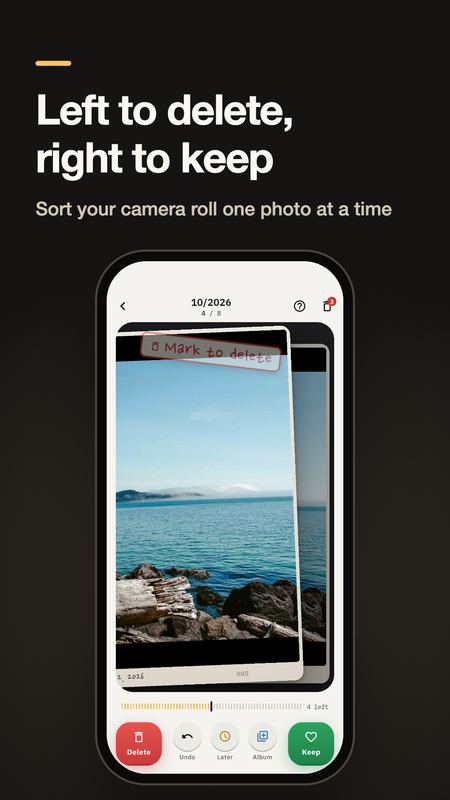
Roll Sorter is a photo cleaner for your gallery: swipe to delete photos, find duplicate and similar pictures, and free up storage on your phone.
Sort your camera roll one photo at a time — like flipping through slides on a lightbox.
Read more
• Swipe left to mark for deletion, swipe right to keep. Later and Add to album are one tap away
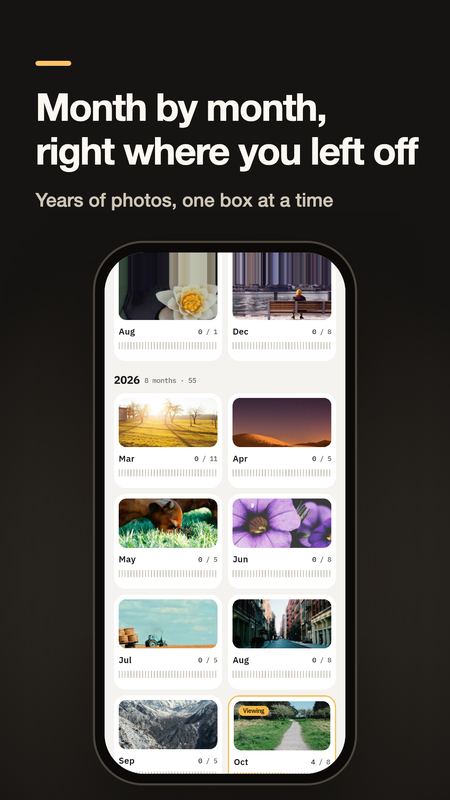
• Month by month: your library opens as boxes of months, and you pick up exactly where you left off
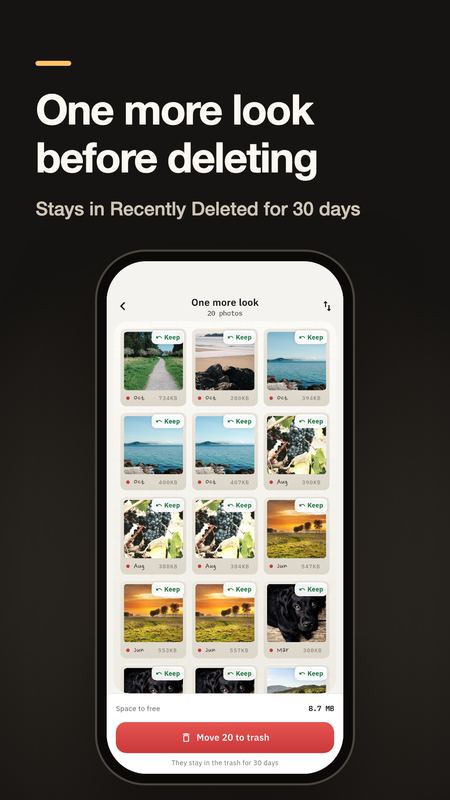
• Nothing is deleted by swiping. Review the marked photos, then send them to the trash — they stay in Recently Deleted for 30 days
• Undo as many steps as you like
• Hold a photo to see it full screen and zoom in
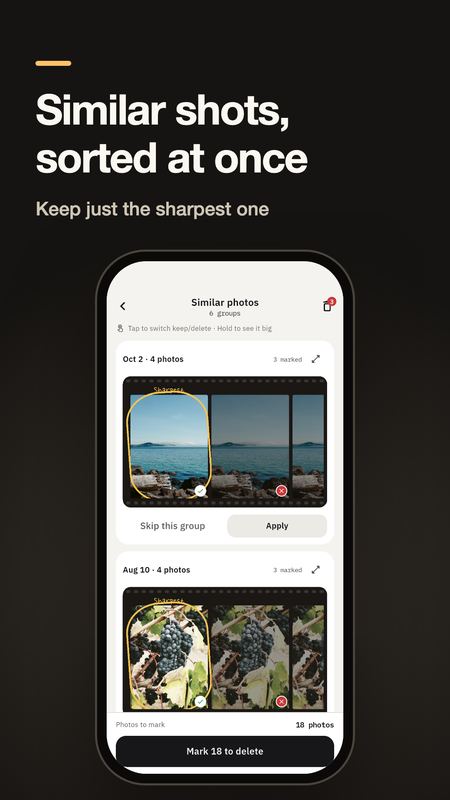
• Tools: similar and duplicate photos (sharpest shot suggested), screenshots, large videos
• Everything happens on your phone. No account, no ads, no uploads
• Choose light or dark mode and the app language in Settings
Pricing, plainly: all features are free for 3 days. After that, swiping, resuming and albums stay free with no limit, and you can move 50 photos a day to the trash. Want no limit and the tools? Buy the lifetime pass once. No subscription, no auto-charge.
Good for: a full phone, "storage almost full" warnings, thousands of screenshots, duplicate photos, or finally tidying years of camera roll.
How it charges
Free to download, with optional one-time in-app purchases. No subscription found.


