Samsung Smart Switch Mobile
by Samsung Electronics Co., Ltd.
Free 3.2 · 236 ratingsiPhone & iPad




About Samsung Smart Switch Mobile
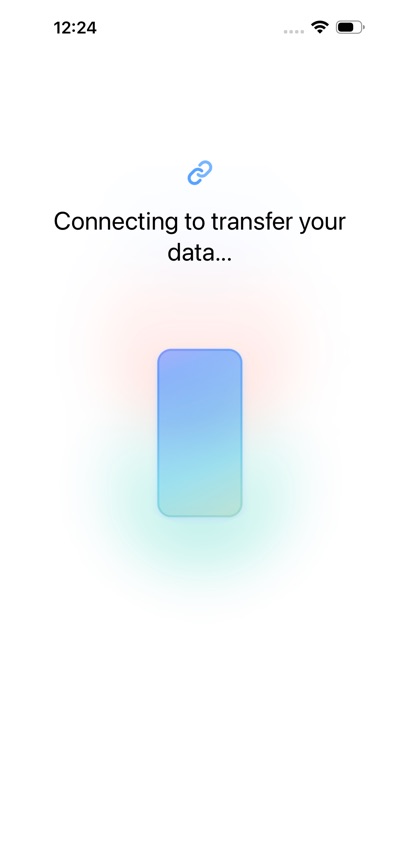
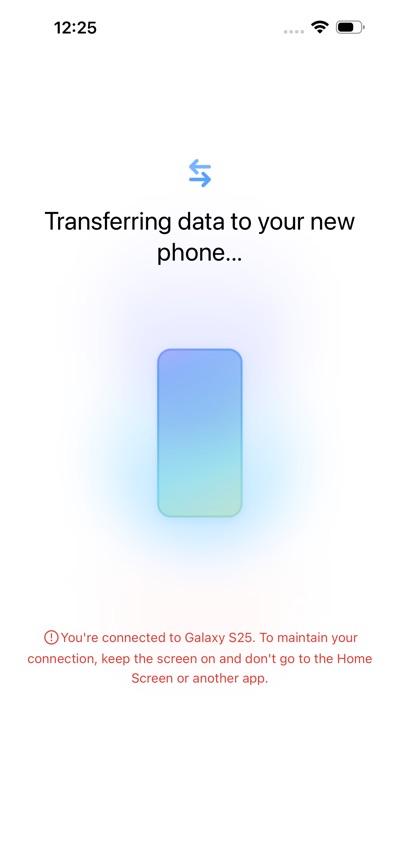
▣ How to easily transmit content from iPhone to Galaxy.
Smart Switch can move contacts, calendar events, reminders, photos, and videos to Galaxy devices.
Read more
* Note: After the data transfer is completed, the data of the sender device is maintained. (Not deleted).
▣ How can I send it?
- Search and run Smart Switch in the settings of Galaxy device.
- Search and download “Samsung Smart Switch” from App Store and connect and send it according to the guide.
▣ What can I send?
- Contacts, calendar events, reminders, photos, videos
* You can use the USB connector to send more items when connecting.
How it charges
Free
Free to download, no in-app purchases.
The store lists no in-app purchases.
Checked against the store listing on Oct 29, 2026. Something wrong? Tell us